Use a PPV offer for a specific paid bundle
- Sync the intended creator’s Vault and inspect the media you want to offer.
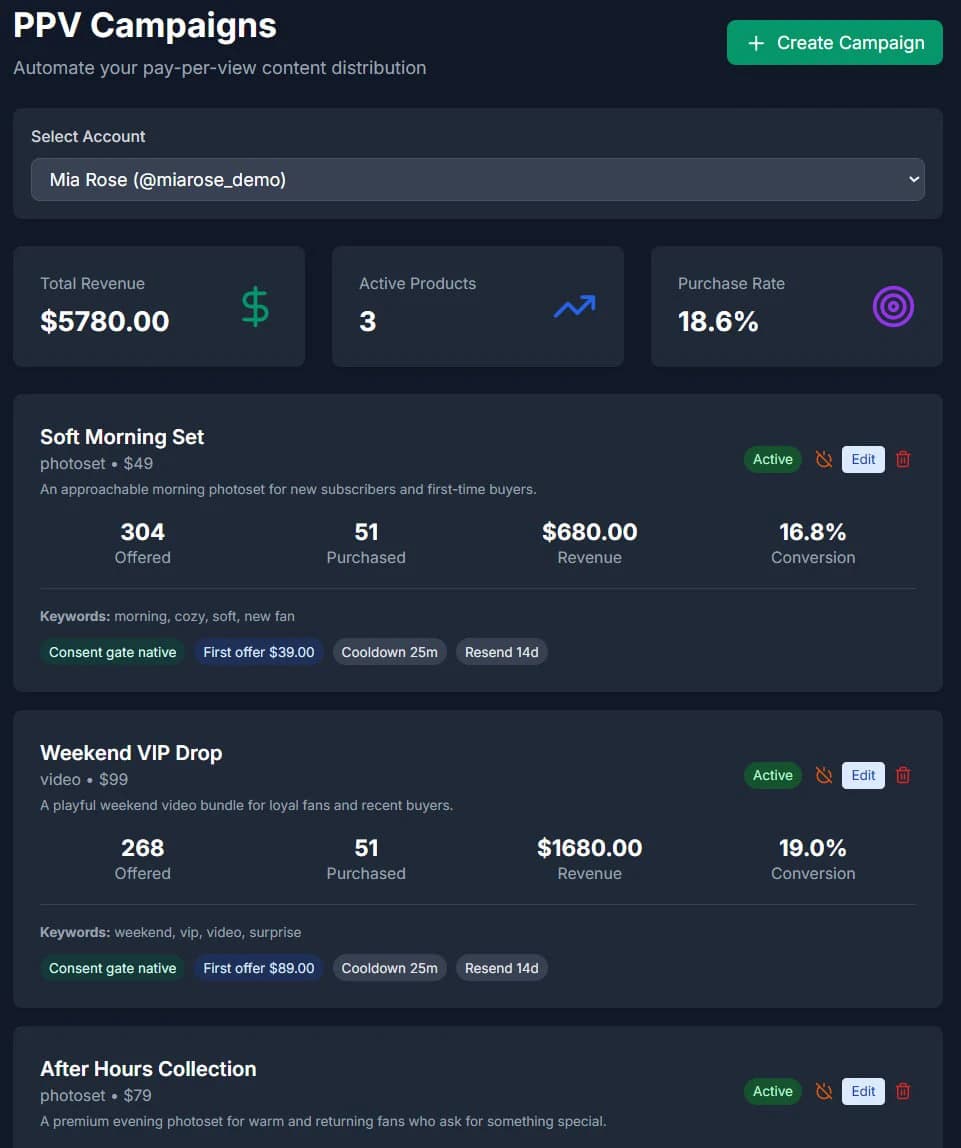
- Create the offer with an accurate description and deliberate price. Review optional discount settings separately.
- Set the intended audience, cooldowns and purchase-related controls.
- If using a free preview, inspect it separately from the paid content.
- Save, review readiness, then explicitly enable the intended workflow.
Use a Script when order and pacing matter
Scripts connect steps into a reusable flow. A step can be a message, a media offer or a follow-up. Positive-reply conditions, delays and purchase-aware controls determine when the flow may continue.
A Script cooldown is not the same as a step delay or a timeout. Review each control in context rather than changing every timer to the same value. Advanced supports PPV-only, Scripts-only and hybrid workflows.
A fictional workflow example
Suppose you have one reviewed behind-the-scenes bundle. A standalone PPV offer can present that bundle when the configured rules allow it. A Script can first ask a qualifying question, wait for the required response, and only then reach its paid step.
This describes configuration, not a record of a fan receiving or buying an offer. A saved campaign, a sent offer and a purchase are three separate outcomes.
Review refusals, prior purchases and cooldowns
- Use the product’s purchase-history and resend controls; do not assume an imported or missing purchase record is complete.
- Check refusal or price-objection cooldowns before repeating an offer.
- Review follow-up timing and purchase locks in Scripts.
- An eligible offer still needs sufficient credits and successful provider delivery.
Separate plan limits from Autopilot’s active selection
Starter currently supports 5 PPV campaigns. Professional has no plan cap on PPV campaigns. Autopilot selects up to 3 active campaigns; other saved offers can stay paused.
For Autopilot, manually edited paid bundles can contain up to 20 photos and videos combined. Initial AI draft bundles use up to 5 items. Review the limits displayed in your account before saving.
Common questions
Is a PPV offer the same as a Sales Script?
No. An offer is paid content plus its price and eligibility. A Script is an ordered sequence that may include paid offers alongside other steps.
Does attributed revenue prove the automation caused an increase?
No. Attributed purchases describe recorded outcomes linked to the workflow. Demonstrating an incremental increase requires a separate comparison with a suitable baseline.
Can I use PPV without switching to Autopilot?
Yes. Advanced remains available for configuring PPV products and Scripts. Opening Autopilot does not replace a running Advanced configuration.
Guides and sources
Product/source review: . Check current plan and account settings before enabling automation.